The article below is to show you how to login and divert an out of hours extension to a another phone group or mobile phone number. Your out of hours extension should already be set to use a mobile number rather than extension.
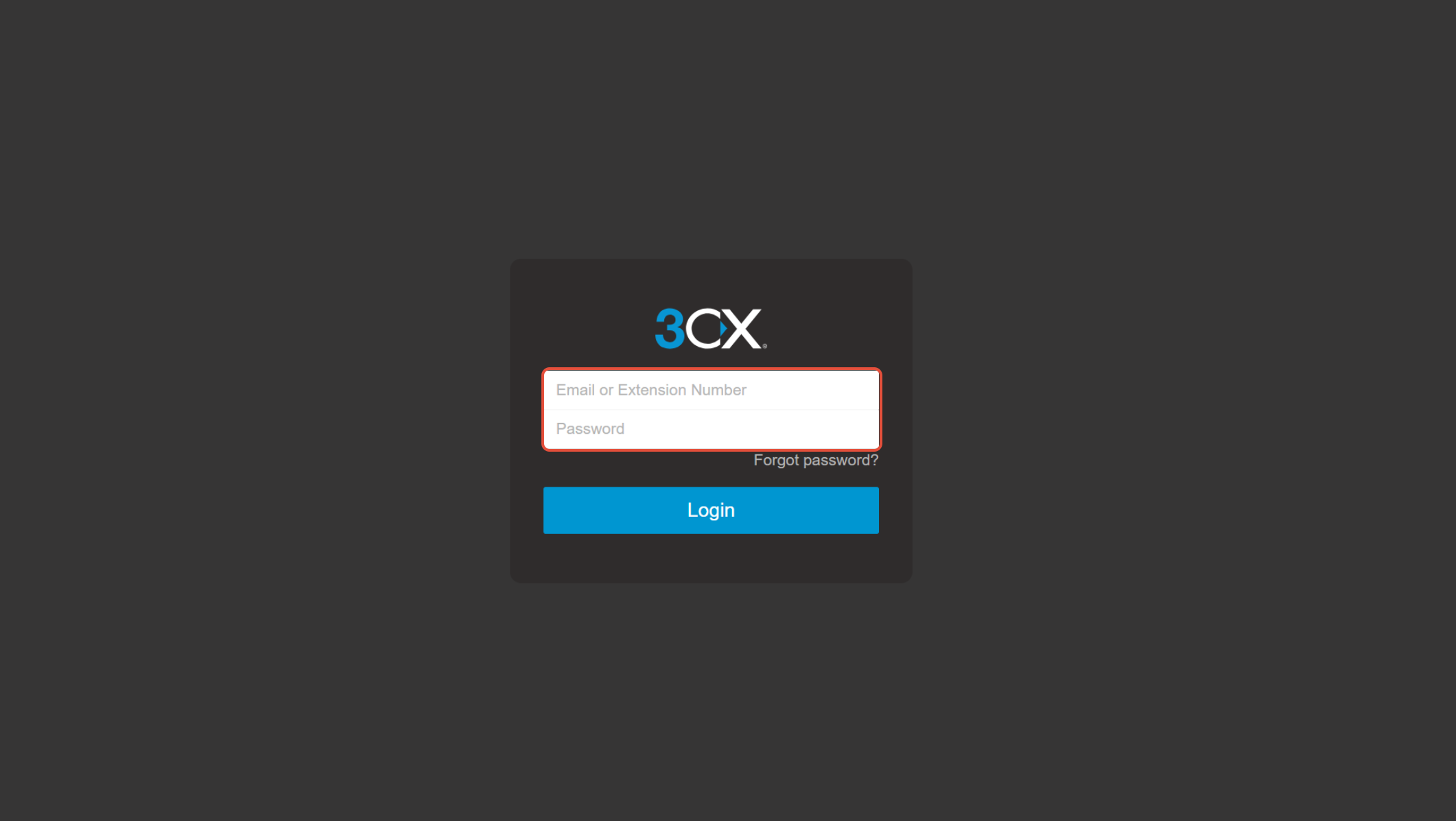
- Browse to your 3cx URL
- Sign in with your "Out of Hours" extension
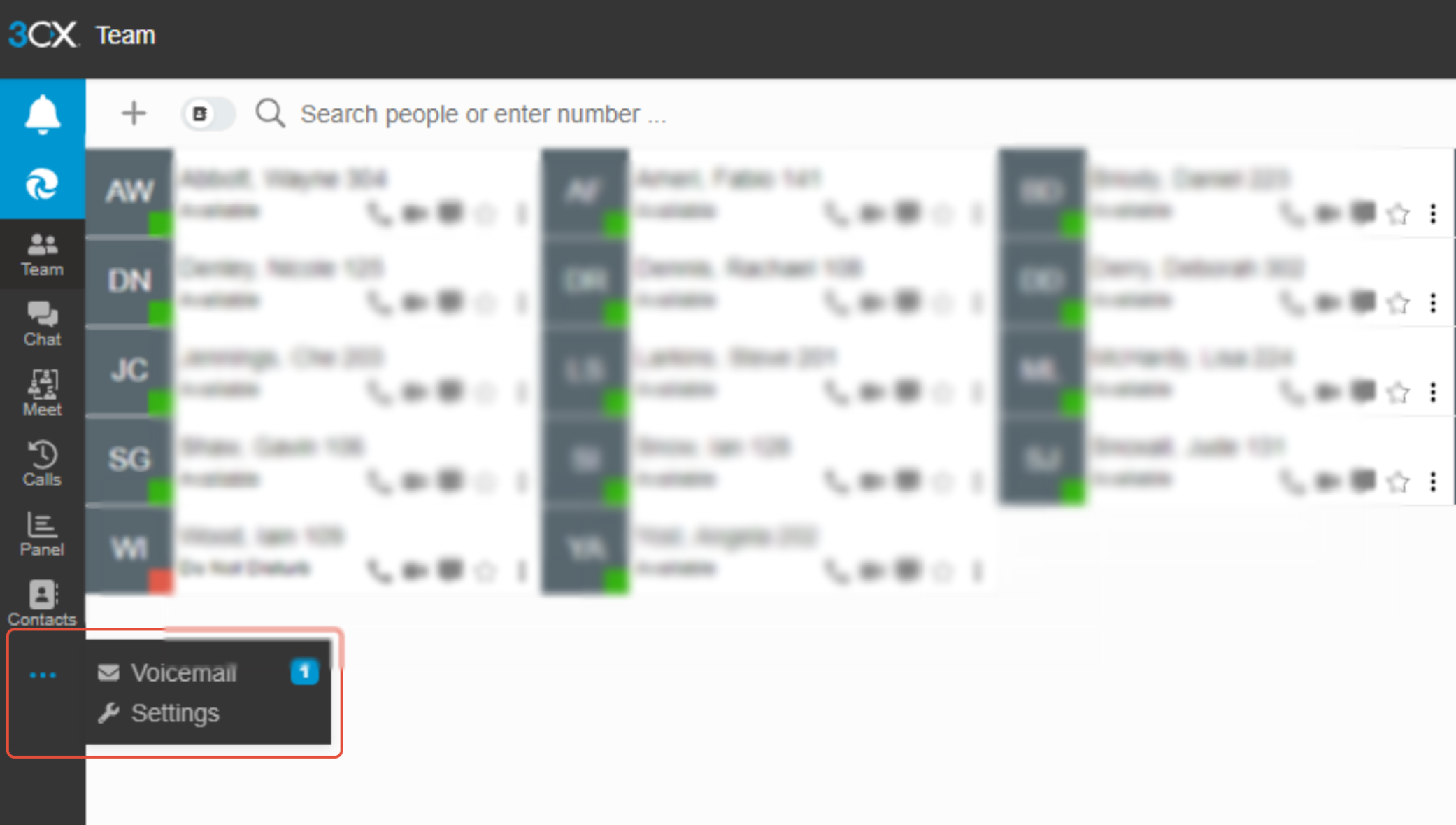
- On the next screen, select the three dots on the left hand menu and select settings
- In the General tab, enter the number you want to divert to in the mobile field. This will either be one of your office ring groups or a personal mobile number.
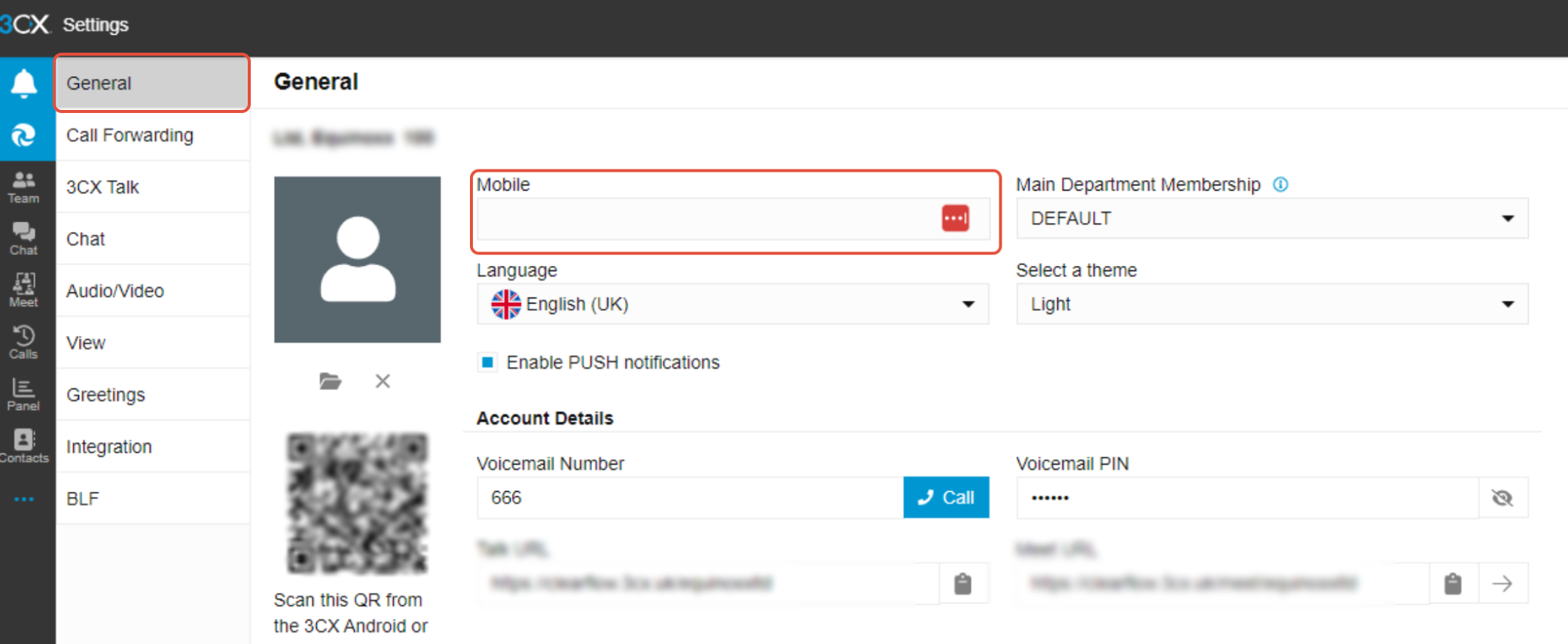
Once this is set, when your out of hours extension is called, it will automatically call the extension, ring group or mobile you've selected.
Was this article helpful?
That’s Great!
Thank you for your feedback
Sorry! We couldn't be helpful
Thank you for your feedback
Feedback sent
We appreciate your effort and will try to fix the article