Document management is an integral process within Schools. Where you store your files can vary based on the requirements and audience, but in Office 365 it will be between three applications: SharePoint, Teams and OneDrive.
A simplistic way to decide which to use is:
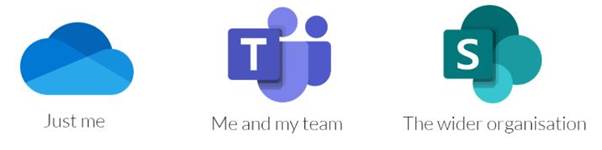
OneDrive is a cloud-based personal file storage service. With Microsoft 365, Everyone is allocated at least 100GB of storage space.
When should I use it?
OneDrive is ideal as your default file-saving location and should be used for storing files where you are the only audience. Ideally, you should sync your desktop and OneDrive so that all your documents are available both offline and online, wherever you are.
If you are saving documents that you don’t want others to have visibility of, OneDrive is your best option. You can share and collaborate on OneDrive files with other users; however, SharePoint or Teams are your best option for shared content.
Teams is the online hub for virtual Teaching and Learning as well as meetings
If you are working on documents within a team in a more informal manner, you might want to collaborate on your files in Microsoft Teams (which uses SharePoint in the background as its file storage anyway).
As mentioned above, it comes with many other core collaboration functionalities for teamwork such as instant messaging.
SharePoint Online is a modern and flexible web-based information management platform. You can organise content, share documents internally and externally, co-author and maintain version control, use advanced metadata, broadcast news within an organisation and much more.
When should I use it?
If you work with documentation that requires more advanced functionality, such as stringent version control or policy tracking and management, you will need to use SharePoint. Advanced information management tools allow you to add metadata and securely store and share company documents. Co-authoring means you can work on the same document as multiple users in real-time, while automatic version control keeps track of the changes made by the different authors. This is crucial if you ever need to revert to a previous version or keep an audit trail of the changes you’ve made to your reports.
Was this article helpful?
That’s Great!
Thank you for your feedback
Sorry! We couldn't be helpful
Thank you for your feedback
Feedback sent
We appreciate your effort and will try to fix the article